Hi team,
I am facing offset issues while hovering on the elements in a test app uploaded to browser stack.
This issue is observed on iPhone versions 16 / 16 Pro max with iOS 18.
If I use iOS 18 with iPhone 14 it works fine, no offset issue is observed.
Similar kind of observation I have seen on Appium inspector tool.
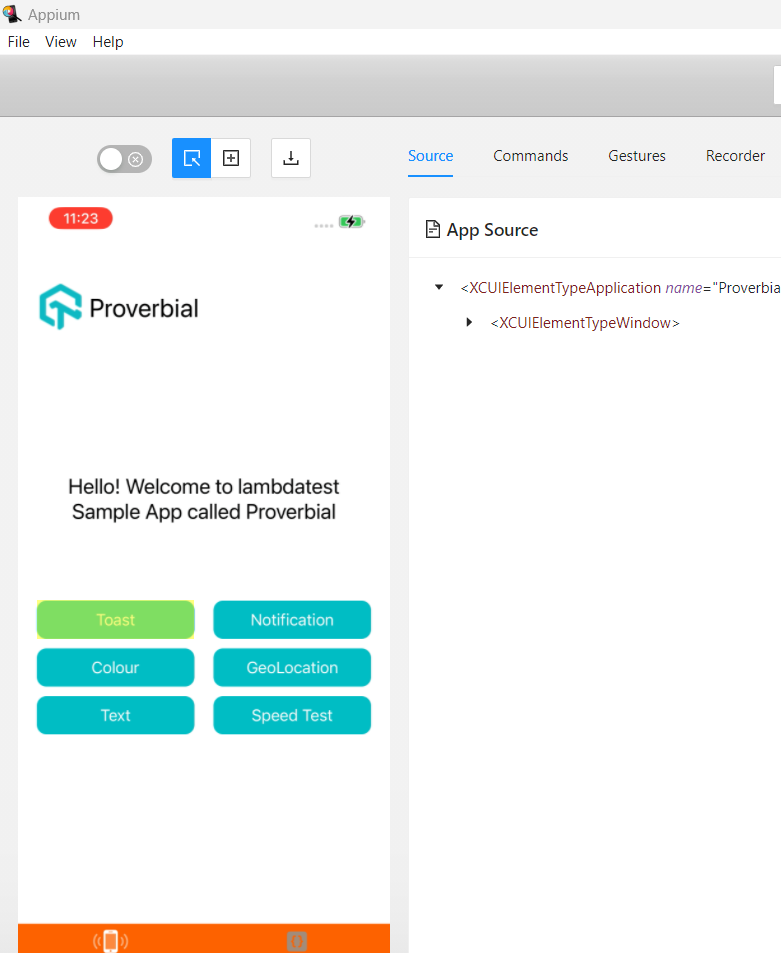
Please see the below snapshots- Case 1- iOS 18 with iPhone 14 →
Here, we can observe an offset if we hover on the same element in Appium inspector.
This offset is getting replicated in my application as well which is creating an issue.
Note - I am connected to cloud agent browser stack from Appium inspector. I am working on a .NET application and using the Appium .NET client. The Appium version will depend on the browser stack.
Is it any know issue?
No, I haven’t filed a ticket with the browser stack, as the issue is not from their end. I have seen similar issues with other cloud agents like Sauce lab and Lambda test.
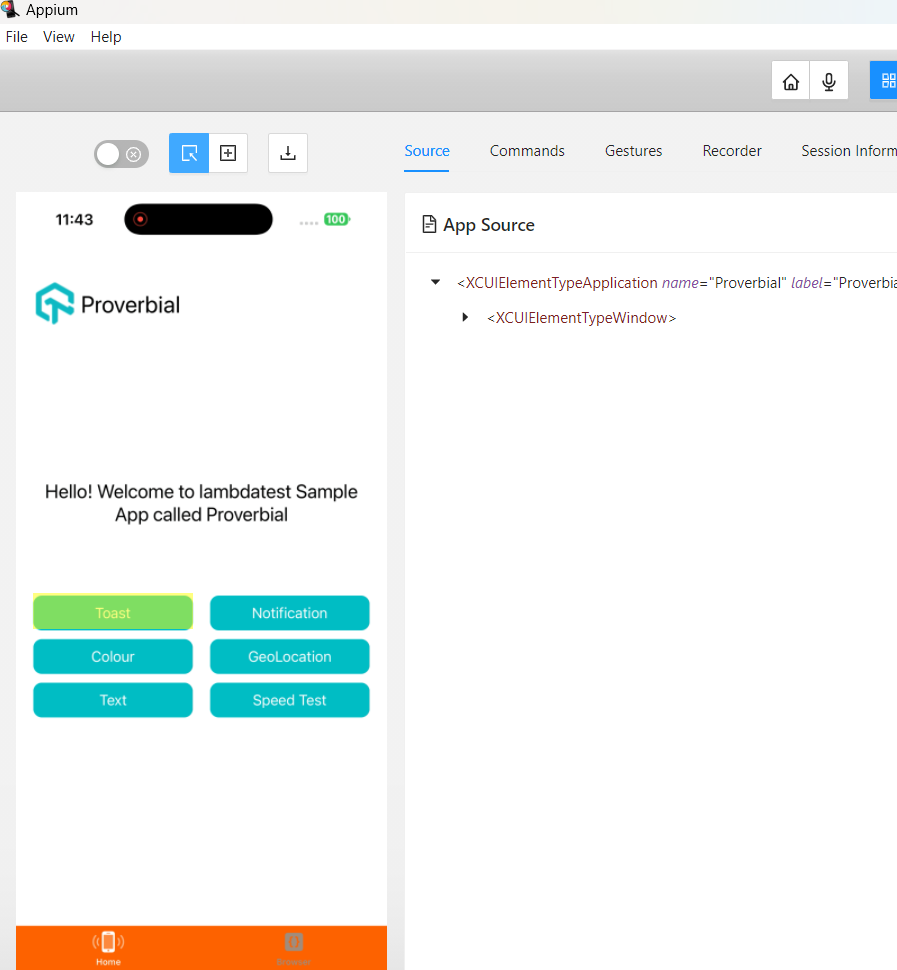
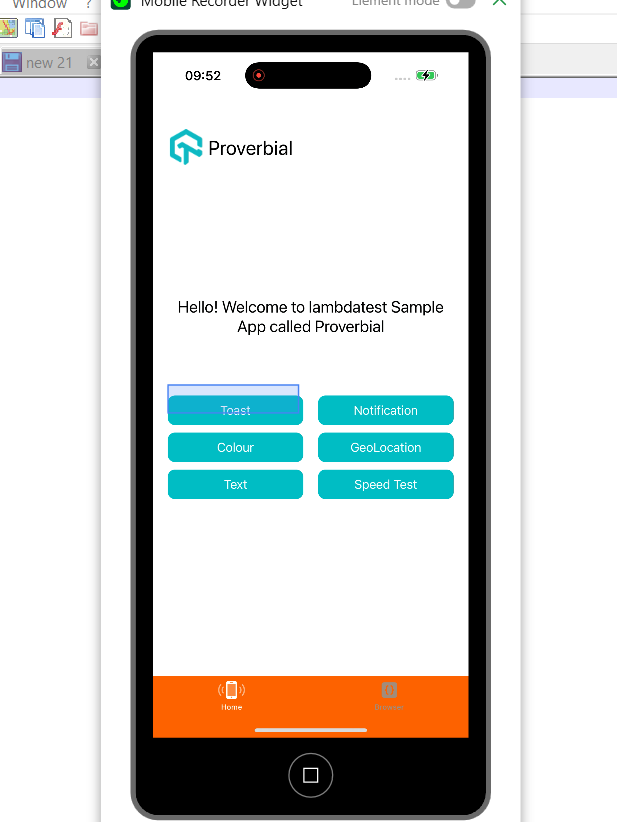
Issue - while highlighting the elements, offset is observed as seen in below snapshot on iPhone 16 Pro max
But if I use iPhone 14, this offset is not observed.
I am able to reproduce it locally while launching the application on any cloud agent.
If I navigate to Any other app on the same device, they don’t have any offset. Is it possible the app itself is not compatible with iPhone 16 and higher versions?